Today we see same(two) advance Physical Tools to perform SE attack

- Card Reader Cloners

Card reader cloners were heavily covered in THP2, so I will
mainly go into updates. For the most part, HID badges that don’t require any public/private handshakes are still vulnerable to clone and brute-force ID numbers.
In THP2, we loved cloning ProxCard II badges as they don’t have any protections, can be cloned easily, and cards are generally purchased in bulk incrementally, which allow for easy brute-forcing. This was all done using the Proxmark3 device. Since then, a much more portable version of this device has been released called Proxmark3 RDV2 Kit
This version can be configured wit a battery and is much smaller than the original Proxmark3.
Other common cards :
HID iClass (13.56 MHz)
MIFARE Classic (13.56 MHz)
HID ProxCard (125 kHz)
EM4100x (125 kHz)
- Packet Squirrel
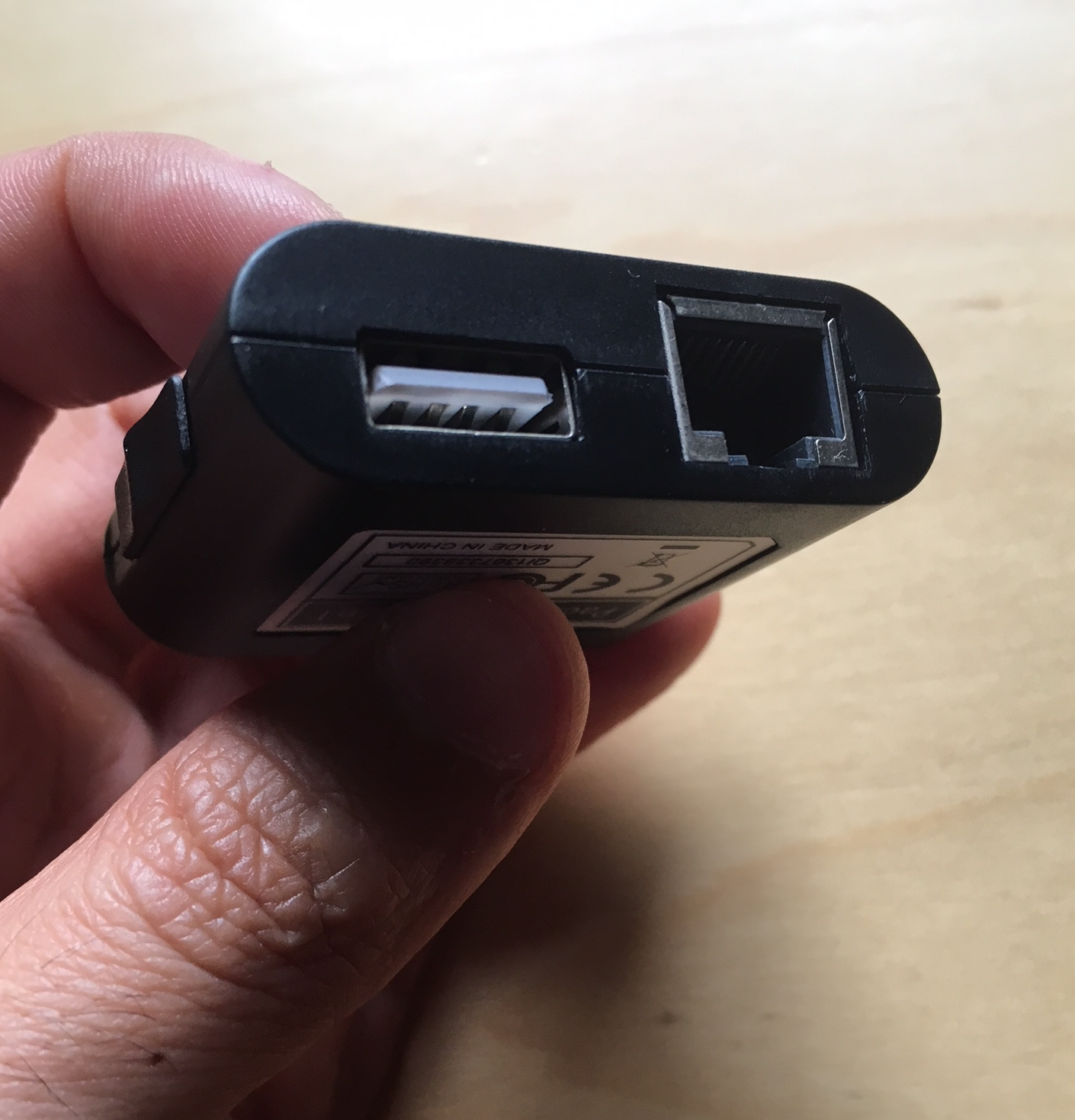
Another tool from Hak5 that has similar features as the LAN Turtle is the Packet Squirrel. The Packet Squirrel requires a USB micro to be powered, but instead of one end being a USB Ethernet adaptor, on the Packet Squirrel, both end are Ethernet cables. This is another discrete way to either capture traffic or create a VPN connection.
Similar to the LAN Turtle for configuring the Packet Squirrel:
Edit the /root/payloads/switch3/payload.sh
FOR_CLIENTS=1
Edit /etc/config/firewall
Make the exact same Firewall changes you did for the LAN Turtle
Upload the LANTurtle.ovpn file to /root/payloads/switch3/config.ovpn